
1. 서론
The EPOS Sennheiser IMPACT SC 660 USB ML is a premium, wired, double-sided USB headset designed for professionals. It is optimized for Unified Communications (UC) and certified for Skype for Business, offering outstanding sound performance, convenient call handling, durability, and all-day comfort. This headset features HD sound, an ultra noise-cancelling microphone, and a USB connector for seamless integration with various devices and platforms.

그림 1: 전면 view of the EPOS Sennheiser IMPACT SC 660 USB ML Headset.
2. 상자 안에 무엇이 들어있나요?
Carefully unpack your EPOS Sennheiser IMPACT SC 660 USB ML headset and ensure all components are present:
- IMPACT SC 660 USB ML Headset
- 보호 케이스
- Cable clip mounted on headset
- Leatherette ear pad/s (spare)
- 마그네틱 홀더
- 빠른 설명
- 안전 가이드
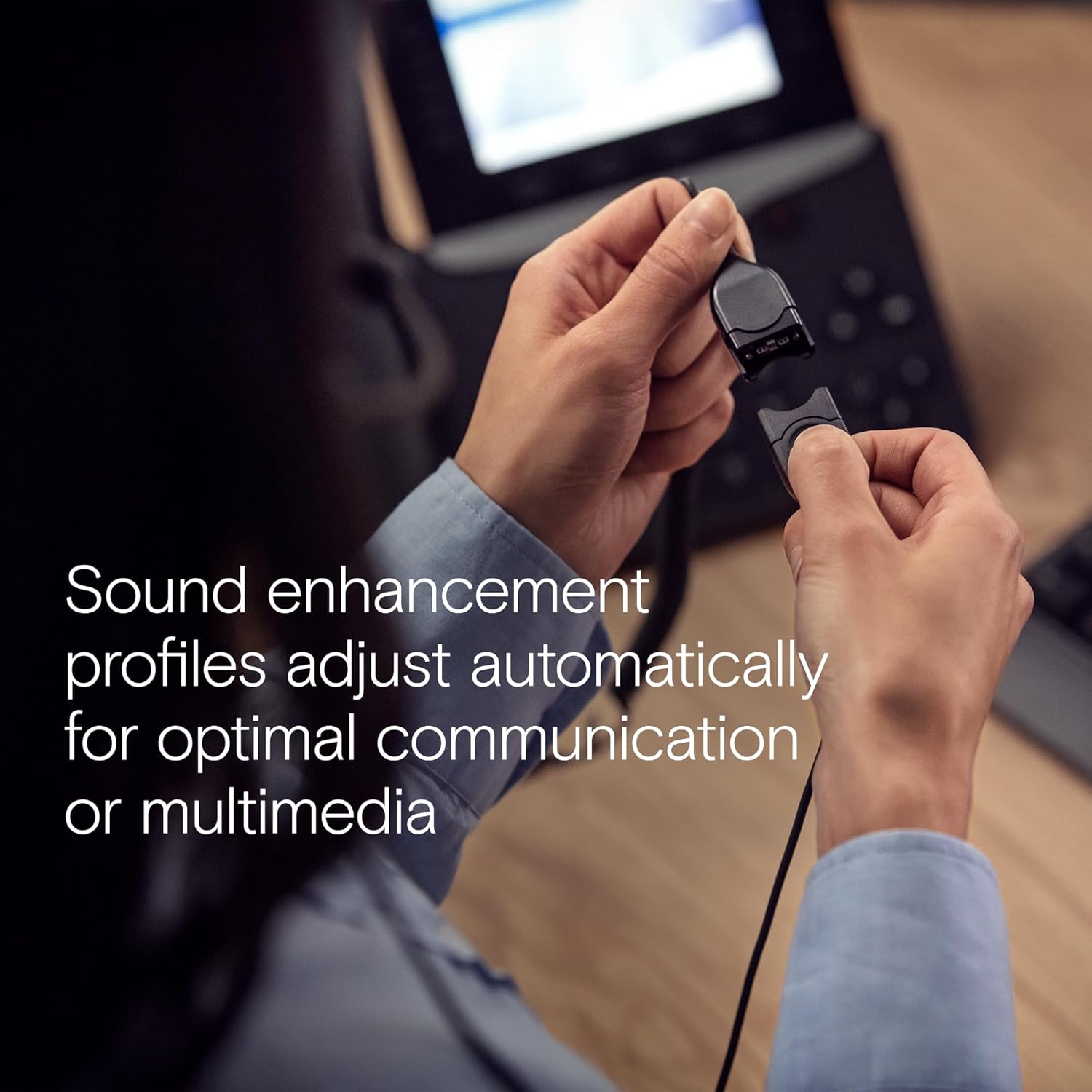
Figure 2: All included components: headset, carry pouch, in-line call control, clothing clip, USB connector, leatherette ear pads, ear pad holders, safety guide, and quick guide.
3. 설정
The IMPACT SC 660 USB ML headset is designed for simple plug-and-play setup.
3.1 헤드셋 연결
- 컴퓨터 또는 호환 장치에서 사용 가능한 USB 포트를 찾으십시오.
- 헤드셋의 USB 커넥터를 USB 포트에 꽂으세요.
- The headset will be automatically recognized by your operating system. No additional drivers are typically required for basic functionality.
3.2 소프트웨어 호환성
This headset is optimized for Unified Communications (UC) and certified for various platforms, ensuring seamless integration and optimal performance:
- 비즈니스용 Skype
- 마이크로소프트 팀
- 구글 미트
- 알카텔-루슨트 엔터프라이즈
- Web예: Cisco
- 아바야
- 크롬 북에서 작동

Figure 3: The headset is optimized for various Unified Communications platforms, including Microsoft Teams, Google Meet, Alcatel-Lucent Enterprise, Webex by Cisco, Avaya, and Chromebook.
3.3 헤드셋 착용
Adjust the headband and microphone boom for a comfortable and secure fit. The microphone boom is flexible to allow for optimal positioning near your mouth.

Figure 4: A person wearing the headset, demonstrating proper microphone positioning for natural, clear conversations with EPOS Voice and noise-cancelling microphone technology.
Video 1: Official product description video for the EPOS Sennheiser IMPACT SC 600 Series, highlighting key features and benefits for business communication.
4. 사용 설명서
The IMPACT SC 660 USB ML headset provides intuitive controls for managing your calls and audio.
4.1 In-Line Call Control Unit
The headset features an in-line call control unit for easy management of calls and audio settings:
- 전화 받기/종료: Press the dedicated call button to answer or end a call.
- 볼륨 조절: '+' 및 '-' 버튼을 사용하여 청취 볼륨을 조절하세요.
- 마이크 음소거: Press the microphone mute button to mute or unmute your microphone.
- 재 다이얼 : Some applications may support redialing directly from the control unit.
4.2 마이크 사용
The ultra noise-cancelling microphone filters out unwanted background noise, ensuring crystal-clear conversations. Position the microphone approximately two fingers' width from the corner of your mouth for optimal voice pickup.
4.3 사운드 기능
- HD 사운드: Powered by a neodymium speaker, the headset delivers clear and natural voice and audio experiences.
- ActiveGard Technology: This technology protects users against acoustic injury caused by sudden sound bursts on the line.
- Sound Enhancement Profiles: The headset automatically adjusts sound enhancement profiles for optimal communication or multimedia listening.

그림 5: 측면 view of the headset, highlighting the in-line call control unit and USB connector.
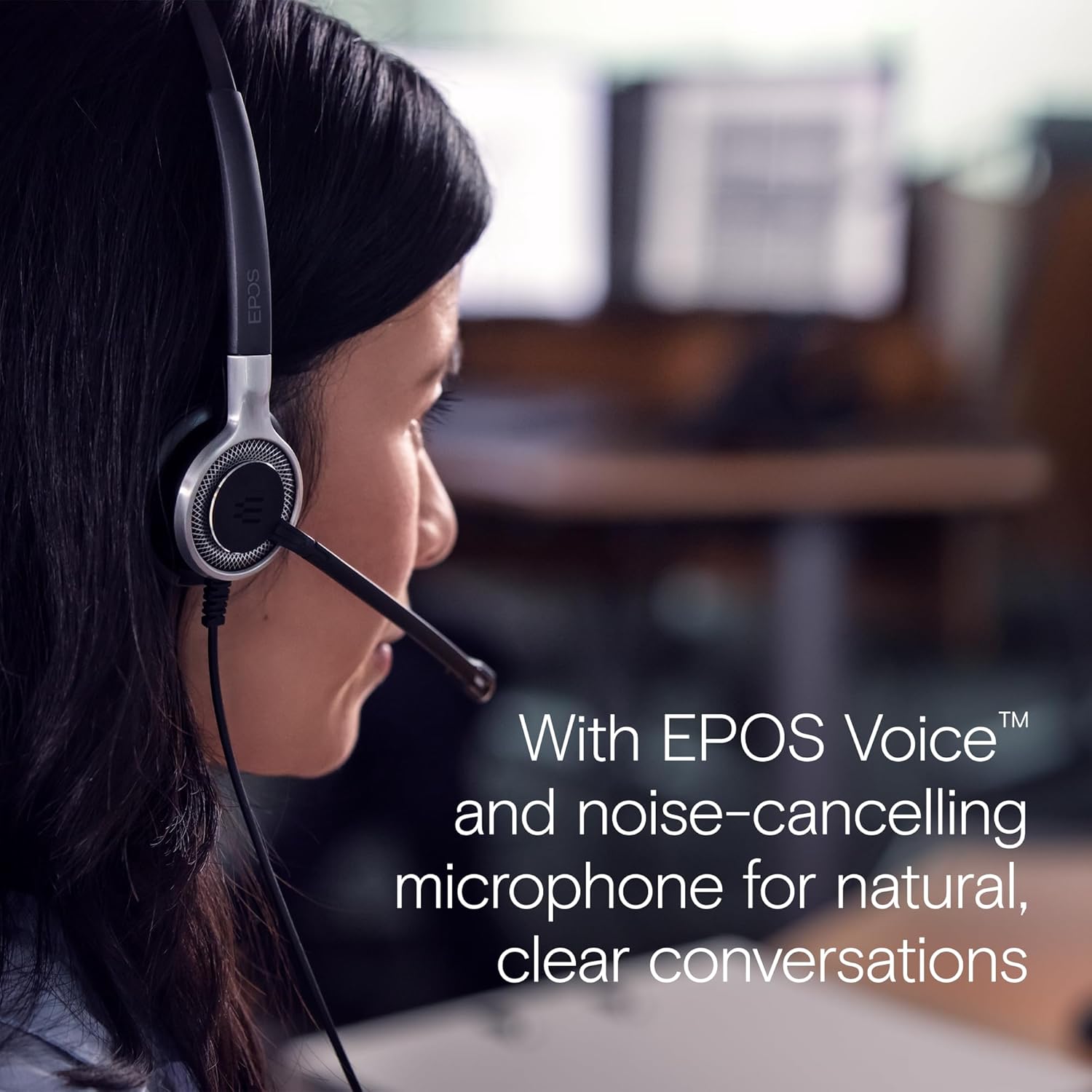
Figure 6: Image illustrating how sound enhancement profiles adjust automatically for optimal communication or multimedia experiences.
5. 유지관리
Proper care and maintenance will extend the life and performance of your headset.
5.1 청소
- 이어 패드: The soft leatherette ear pads can be gently wiped with a damp 천입니다. 사용하기 전에 완전히 말려주세요.
- 헤드셋 본체: Use a soft, dry cloth to clean the headset body. Avoid using harsh chemicals or abrasive materials.
5.2 보관
When not in use, store the headset in its protective case. The ear cups can be folded flat for easy transportation and storage, protecting the headset from damage.
5.3 케이블 관리
The headset features Vectran reinforced cables for enhanced durability. Avoid sharp bends or excessive pulling on the cable to prevent damage.
6. 문제 해결
If you encounter issues with your headset, try the following basic troubleshooting steps:
- 소리가 나지 않거나 마이크가 작동하지 않습니다.
- USB 커넥터가 포트에 완전히 삽입되었는지 확인하십시오.
- Check your computer's audio settings to ensure the headset is selected as the default playback and recording device.
- Verify that the microphone is not muted using the in-line control unit.
- Try plugging the headset into a different USB port or another computer to rule out port or system-specific issues.
- 나쁜 음질:
- Adjust the volume using the in-line control or your computer's settings.
- Ensure the microphone is positioned correctly near your mouth for clear voice pickup.
- 케이블이나 커넥터에 물리적인 손상이 있는지 확인하세요.
- 헤드셋이 인식되지 않음:
- 컴퓨터를 다시 시작하세요.
- 운영 체제가 최신 상태인지 확인하세요.
For more complex issues, refer to the detailed Safety Guide or Quick Guide included in the box, or contact EPOS customer support.
7. 사양
| 모델명 | IMPACT SC 660 USB ML |
| 상표 | 원시적 서사시 |
| 연결 기술 | USB |
| 헤드폰 잭 | USB |
| 귀 위치 | 귀에 |
| 폼 팩터 | 귀에 |
| 색상 | 검은색 |
| 재료 | 플라스틱 |
| 품목 무게 | 7.9 온스(224그램) |
| 제품 치수 | 13 x 2.44 x 2.44 인치 |
| 주파수 응답(마이크) | 150 – 6,800 Hz (Wideband) |
| Frequency Response (Speaker) | 50 – 18,000Hz |
| 임피던스 | 200옴 |
| 소음 제어 | 노이즈 캔슬링(마이크) |
| 특징 | 가벼움 |
| 호환 장치 | Laptops, Tablets (via USB) |
| 케이블 기능 | Retractable, Vectran reinforced |
| 제어 유형 | Call Control (in-line remote) |
8. 보증 및 지원
8.1 보증 정보
The EPOS Sennheiser IMPACT SC 660 USB ML headset comes with a 3 년 국제 보증. This warranty covers manufacturing defects and ensures peace of mind regarding the quality and durability of your headset. Please retain your proof of purchase for warranty claims.
8.2 고객 지원
For technical assistance, warranty claims, or further inquiries, please visit the official EPOS website or contact their customer support directly. Refer to the contact information provided in your Safety Guide or on the EPOS web대지.