
소개
This manual provides essential information for setting up, operating, and maintaining your Konami PES 2014 Pro Evolution Soccer 14 game for PlayStation 3. Please read this manual thoroughly before use to ensure optimal performance and enjoyment.
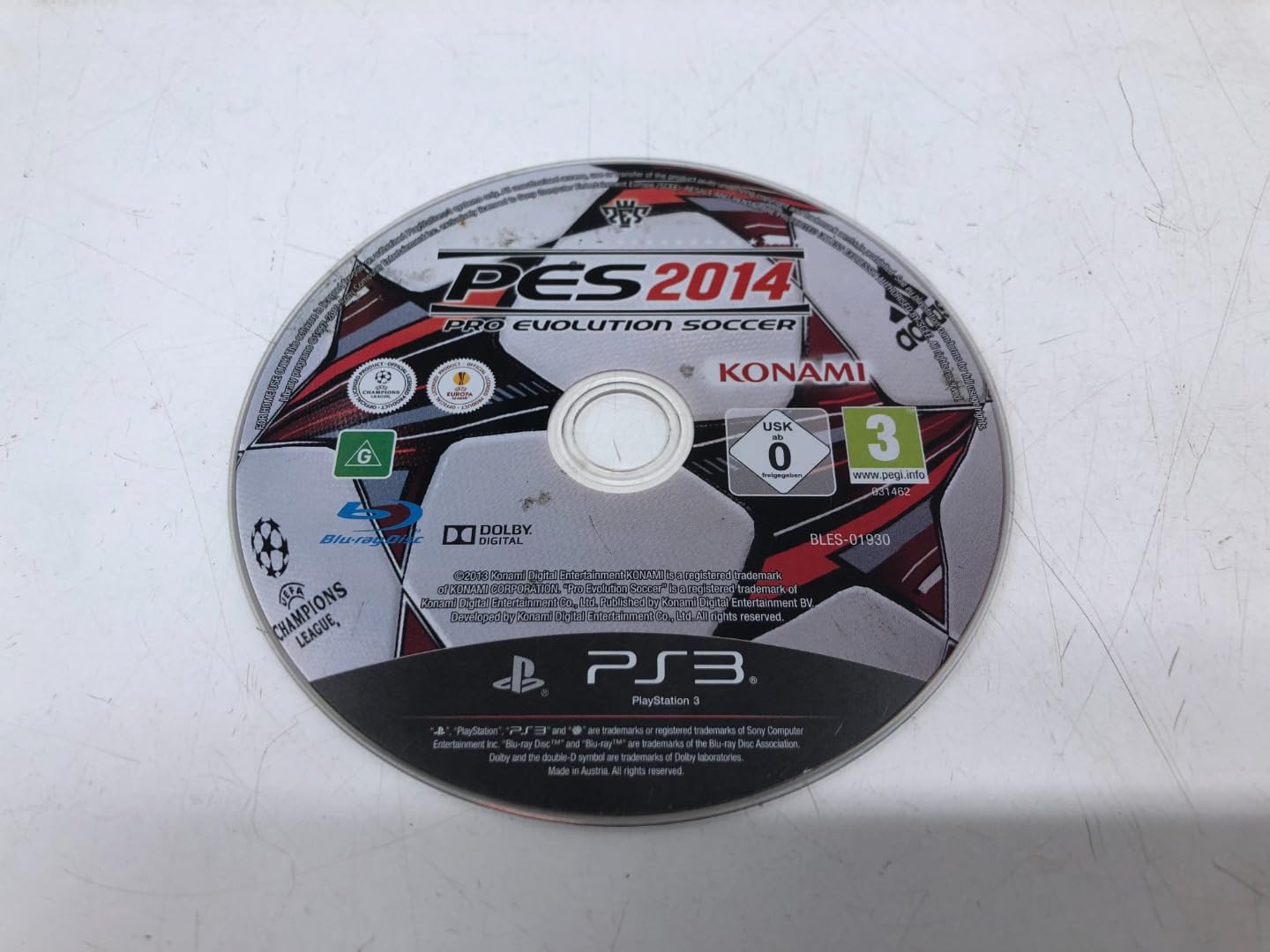
Image: Front cover of the PES 2014 Pro Evolution Soccer 14 game for PlayStation 3.
설치 지침
- 게임 디스크를 넣으세요: Gently insert the PES 2014 game disc into your PlayStation 3 console's disc slot with the label facing up.
- 콘솔 전원 켜기: Turn on your PlayStation 3 console and ensure it is connected to your television or display.
- 게임 선택: From the PlayStation 3 XMB (XrossMediaBar) menu, navigate to the Game section and select the PES 2014 icon.
- 초기 설치: The game may require an initial installation to your console's hard drive. Follow the on-screen prompts to complete this process. Ensure sufficient storage space is available.
- 컨트롤러 연결: Ensure your PlayStation 3 controller(s) are properly connected and charged.
조작 방법 (게임플레이)
기본 제어
The following are standard controls. These can be customized within the game's settings menu.
- 왼쪽 아날로그 스틱: Player Movement
- 오른쪽 아날로그 스틱: Dribbling / Skill Moves
- X 버튼: Pass / Press (Defense)
- 정사각형 버튼: Shoot / Slide Tackle (Defense)
- 원형 버튼: Lob Pass / Clear (Defense)
- 삼각형 버튼: Through Pass / Goalkeeper Charge (Defense)
- L1 버튼: Change Player / Team Press
- R1 버튼: Dash / Contain
- L2 버튼: Manual Controls / Strategy
- R2 버튼: Special Dribbling / Finesse Shot
- 시작 버튼: 일시 정지 메뉴
- 선택 버튼: Radar / Camera Change
게임 모드
PES 2014 offers various game modes:
- 전시 경기: 인공지능 또는 다른 플레이어와 빠른 경기를 즐겨보세요.
- Master League: Manage a club, sign players, and compete in leagues and cups.
- Become a Legend: Create a player and guide them through their career.
- UEFA Champions League / Europa League: Participate in official club competitions.
- Online Modes: Compete against players worldwide (requires PlayStation Network connection).
유지
- 디스크 관리: Handle the game disc by its edges. Store it in its original case when not in use. Keep the disc clean and free from scratches, dust, and fingerprints. Use a soft, dry cloth to wipe the disc from the center outwards if cleaning is necessary.
- 콘솔 환기: Ensure your PlayStation 3 console has adequate ventilation to prevent overheating, which can affect game performance and disc reading.
- 소프트웨어 업데이트: Periodically check for game and console software updates to ensure optimal performance and access to the latest features.
문제 해결
- Game Not Loading / Disc Read Error:
- 디스크가 깨끗하고 긁힌 자국이 없는지 확인하세요.
- 플레이스테이션 3 콘솔을 재시작하세요.
- Try another game disc to determine if the issue is with the console or the game disc.
- Game Freezes / Crashes:
- Ensure your console has proper ventilation.
- Check for and install any available game or console software updates.
- Delete and reinstall the game data (not save data) from the PlayStation 3 XMB Game Data Utility.
- 컨트롤러가 응답하지 않음:
- Ensure the controller is charged and properly synced with the console.
- 컨트롤러 뒷면의 작은 버튼을 얇은 물체로 눌러 재설정하세요.
- 데이터 저장 문제:
- 콘솔 하드 드라이브에 충분한 여유 공간이 있는지 확인하십시오.
- Do not turn off the console while save data is being written.
명세서
| 특징 | 세부 사항 |
|---|---|
| 제품 제목 | PES 2014 Pro Evolution 14 (PS3) (UK) |
| 상표 | 코나미 |
| 모델 번호 | G000006420 |
| 플랫폼 | 플레이스테이션 3(PS3) |
| ASIN | B00F95085S |
| 제품 치수 | 6.69 x 5.28 x 0.55 인치 |
| 품목 무게 | 3.88 온스 |
| 첫 번째 이용 가능 날짜 | 16년 2013월 XNUMX일 |
보증 및 지원
제품 보증 또는 기술 지원에 관한 정보는 코나미 공식 웹사이트를 참조하십시오. website or contact Konami customer service directly. Contact details are typically provided within the game packaging or on the publisher's official support pages.
참고: 보증 조건은 지역 및 소매업체에 따라 다를 수 있습니다.