
1. 제품 오버view
The Sitecom WLA-5100 N600 Wi-Fi Dual Band USB Adapter provides wireless connectivity for your computer. It supports Wi-Fi 4 (802.11n) standards and operates on dual bands (2.4 GHz and 5 GHz) for optimal performance. This adapter connects via a USB interface, offering a convenient solution for adding or upgrading Wi-Fi capabilities to desktop or laptop computers.

Image 1: The Sitecom WLA-5100 N600 Wi-Fi Dual Band USB Adapter. This image shows the compact black USB adapter with the Sitecom logo, featuring a removable cap for the USB connector.
2. 패키지 내용
- 1 x Sitecom WLA-5100 N600 Wi-Fi Dual Band USB Adapter
- 1 x Quick Installation Guide (may vary by region)
- 1 x Driver CD (drivers may also be available for download online)
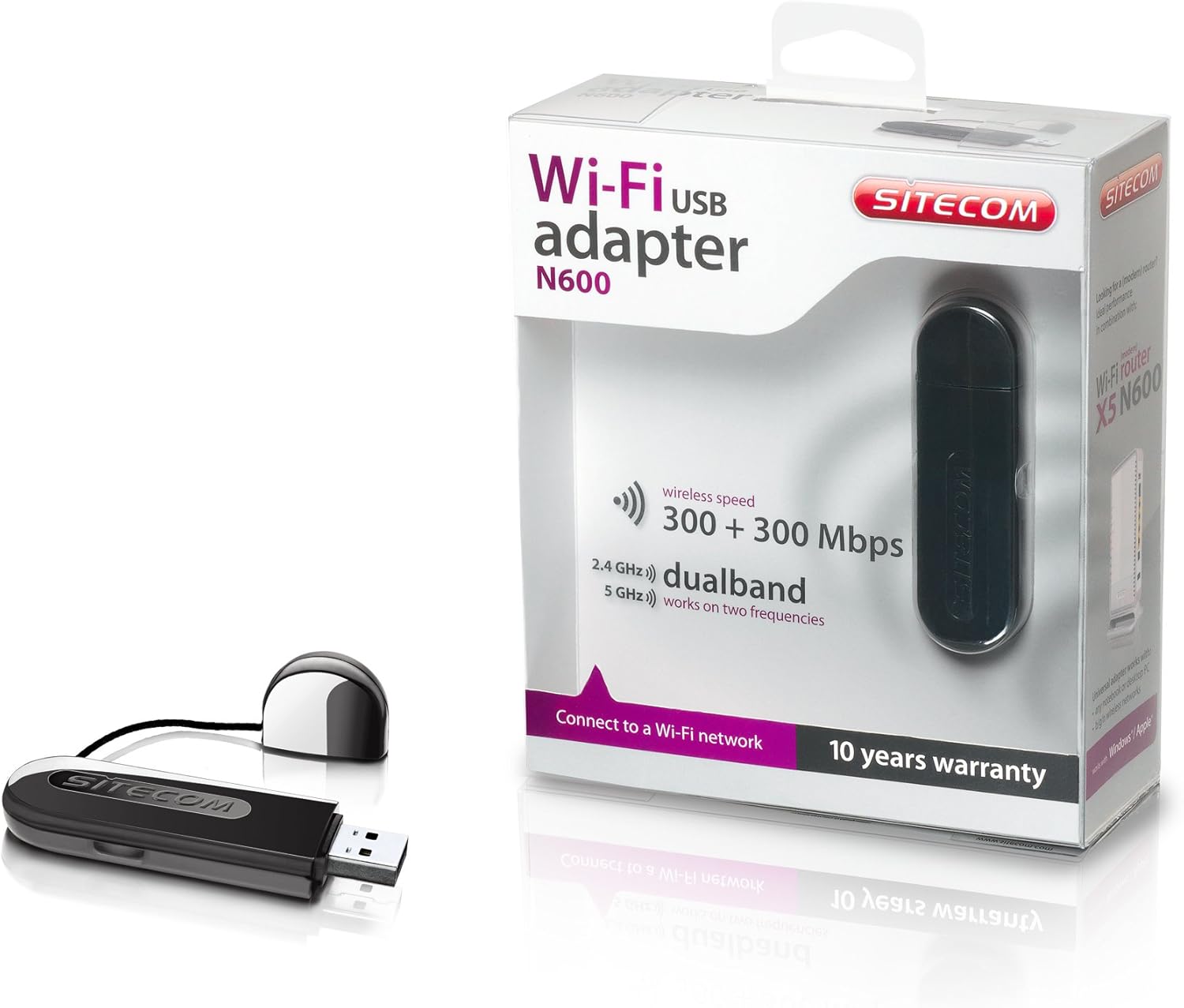
Image 2: The Sitecom WLA-5100 N600 Wi-Fi Dual Band USB Adapter shown alongside its retail packaging. The packaging highlights features such as wireless speed (300 + 300 Mbps) and dual-band functionality (2.4 GHz and 5 GHz).
3. 시스템 요구 사항
- Available USB port (USB 2.0 or higher recommended)
- Operating System: Compatible with Windows and Mac OS X (e.g., Mac OS X 10.8 Mountain Lion and later versions).
- Internet connection for driver download (if not using the included CD).
4. 설정
4.1 드라이버 설치
- Before inserting the adapter, it is recommended to install the necessary drivers.
- Insert the included Driver CD into your computer's optical drive, or download the latest drivers from the official Sitecom support web대지.
- 화면의 지시에 따라 드라이버 설치 과정을 완료하세요.
4.2 하드웨어 설치
- Carefully insert the Sitecom WLA-5100 USB adapter into an available USB port on your desktop or laptop computer.
- Ensure the adapter is fully seated in the USB port. The operating system should detect the new hardware.
4.3 Wi-Fi 네트워크에 연결하기
- Once the drivers are installed and the adapter is connected, your computer should detect available wireless networks.
- Access your operating system's network settings (e.g., Wi-Fi icon in the system tray for Windows, Wi-Fi menu bar item for macOS).
- 사용 가능한 네트워크 목록에서 원하는 Wi-Fi 네트워크(SSID)를 선택하세요.
- 메시지가 나타나면 네트워크 보안 키(암호)를 입력한 다음 '연결'을 클릭하십시오.
- 이제 컴퓨터가 Wi-Fi 네트워크에 연결되었을 것입니다.
5. 운영
The WLA-5100 adapter supports dual-band operation, allowing connection to both 2.4 GHz and 5 GHz Wi-Fi networks. The 2.4 GHz band offers wider coverage and better penetration through obstacles, while the 5 GHz band provides faster speeds and less interference, making it ideal for activities like online gaming and high-definition video streaming.
Your computer's operating system will automatically detect and display available networks on both bands. You can choose which band to connect to based on your proximity to the router and your performance needs. For optimal performance, connect to a 5 GHz network if available and you are in close range to your router.
6. 유지관리
- 어댑터를 깨끗하고 먼지가 없는 상태로 유지하세요. 청소 시에는 부드럽고 마른 천을 사용하세요.
- 어댑터를 극한의 온도, 직사광선 또는 습기에 노출시키지 마세요.
- 기기를 분해하거나 개조하려고 하지 마세요. 그럴 경우 보증이 무효화되고 기기가 손상될 수 있습니다.
- When not in use, store the adapter in a safe place to prevent physical damage.
7. 문제 해결
7.1 Wi-Fi 연결 안됨
- 어댑터 연결 상태를 확인하세요: Ensure the adapter is securely plugged into a functional USB port. Try a different USB port.
- 드라이버 설치 확인: Confirm that the drivers are correctly installed. Check your computer's Device Manager (Windows) or System Information (macOS) to see if the adapter is listed without errors. Reinstall drivers if necessary.
- 라우터 상태: Wi-Fi 라우터의 전원이 켜져 있고 신호를 송출하고 있는지 확인하세요.
- 네트워크 범위: Make sure your computer is within range of your Wi-Fi network.
- 컴퓨터를 다시 시작합니다. 때로는 간단한 재부팅만으로 연결 문제가 해결될 수 있습니다.
7.2 느린 연결 속도
- 밴드 선택: If available, connect to the 5 GHz network for faster speeds, especially if you are close to the router.
- 간섭: Move the adapter or computer away from potential sources of interference (e.g., microwaves, cordless phones, Bluetooth devices).
- 드라이버 업데이트: 어댑터에 최신 드라이버가 설치되어 있는지 확인하십시오.
- 라우터 성능: Check your router's settings and ensure it is operating optimally.
7.3 어댑터가 인식되지 않음
- USB 포트: 어댑터를 컴퓨터의 다른 USB 포트에 꽂아보세요.
- 드라이버 재설치: Uninstall existing drivers and perform a clean reinstallation.
- 운영 체제 업데이트: 운영 체제가 최신 상태인지 확인하세요.
8. 사양
| 특징 | 세부 사항 |
|---|---|
| 상표 | 사이트컴 |
| 모델 | WLA-5100 |
| 연결 기술 | 무선 전화 |
| 호스트 인터페이스 | USB |
| 무선 표준 | IEEE 802.11a, 802.11b, 802.11g, 802.11n (Wi-Fi 4) |
| 무선 속도 | 최대 300Mbps(2.4GHz) + 300Mbps(5GHz) |
| 주파수 대역 | 듀얼 밴드(2.4GHz 및 5GHz) |
| 색상 | 검은색 |
| 치수(길이 x 너비 x 높이) | 7.5 x 2.5 x 1cm (대략) |
| 무게 | 10g |
| 전원 | 강화 된 USB |
| 호환 장치 | Desktop computer, Laptop computer |
| 국제 무역 품목 번호(GTIN) | 08716502026821 |
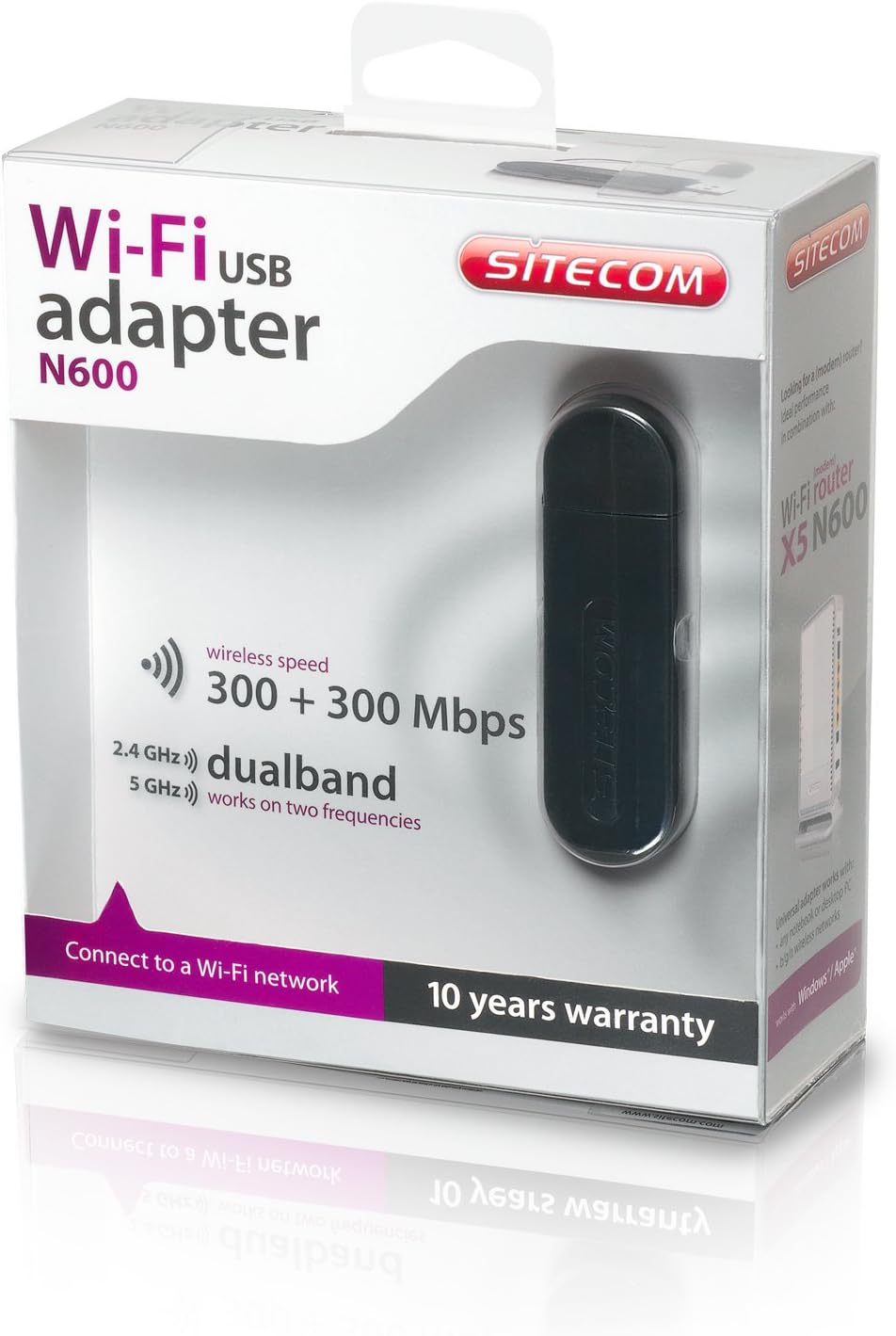
Image 3: The retail packaging for the Sitecom WLA-5100 N600 Wi-Fi Dual Band USB Adapter. The box prominently displays the product name, N600 rating, wireless speed, and dual-band capabilities.
9. 보증 및 지원
The Sitecom WLA-5100 N600 Wi-Fi Dual Band USB Adapter typically comes with a 10년 보증제품 포장에 표시된 대로 사용하십시오. 보증 청구를 위해 구매 증빙 자료를 보관하십시오.
For technical support, driver downloads, frequently asked questions, or further assistance, please visit the official Sitecom website or contact their customer support. Refer to the packaging or the Sitecom web최신 지원 연락처 정보는 사이트에서 확인하세요.