
소개
This manual provides detailed instructions for the setup, operation, and maintenance of your La Crosse Technology Atomic Wall/Table Clock, Model 513-1211. This digital clock features a large LCD display, automatic time setting via atomic signal, indoor temperature monitoring, and a perpetual calendar. It is designed for easy viewing and can be used as a wall-mounted or tabletop device.
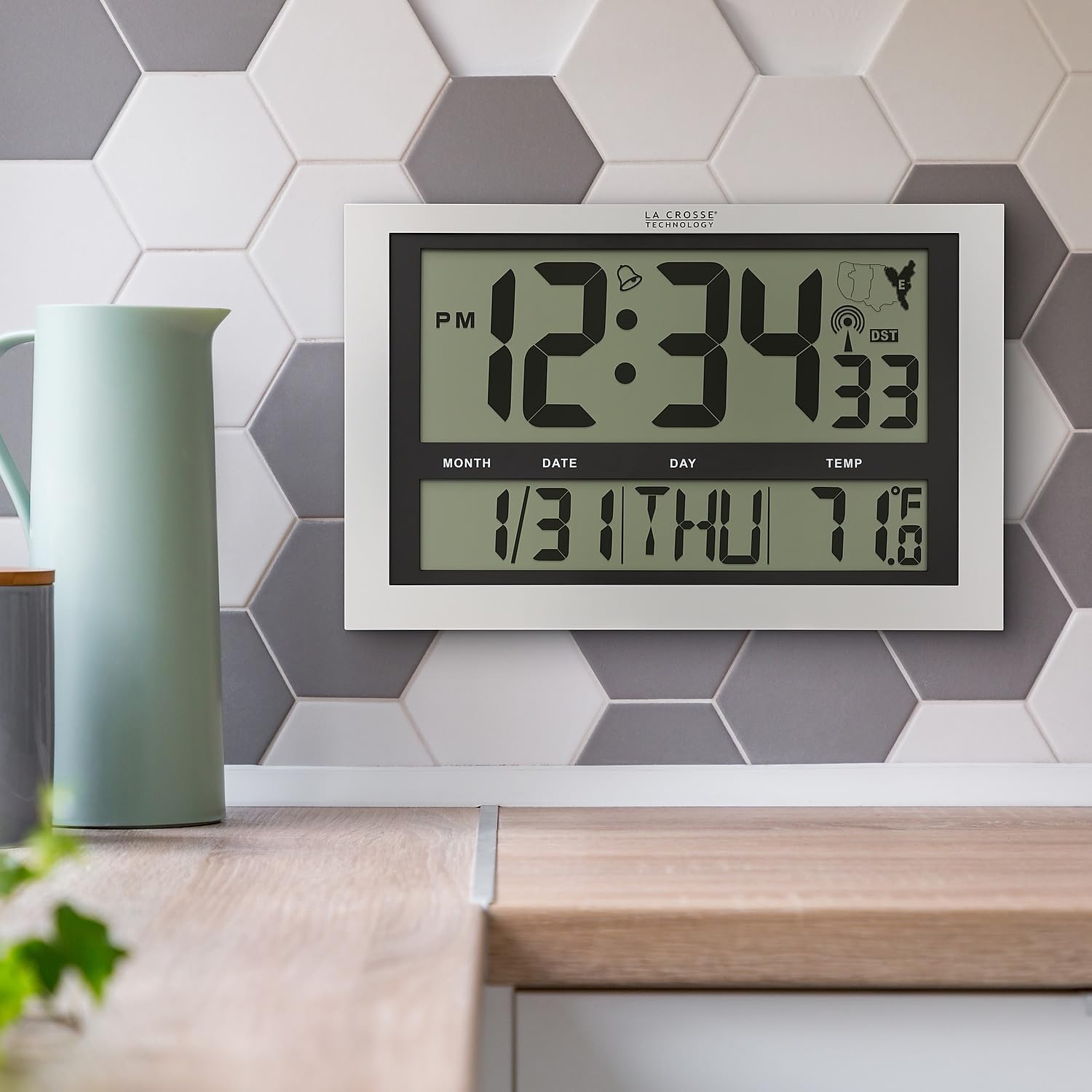
Image: La Crosse Technology Atomic Wall/Table Clock (Model 513-1211) mounted on a kitchen wall, showing the large digital display with time, date, and indoor temperature.
안전 정보
Please read and understand the following safety precautions before using your clock:
- 지정된 배터리 유형(AA 알카라인 배터리 3개)만 사용하세요.
- 오래된 건전지와 새 건전지, 다른 종류의 건전지를 혼용하지 마세요.
- 배터리가 올바른 극성(+/-)으로 삽입되었는지 확인하세요.
- 누출을 방지하기 위해 소모된 배터리는 즉시 제거하세요.
- Do not expose the clock to extreme temperatures, direct sunlight, or moisture.
- 시계를 강한 자기장으로부터 멀리 두십시오.
패키지 내용
패키지에 모든 품목이 들어 있는지 확인하세요.
- La Crosse Technology Atomic Wall/Table Clock (Model 513-1211)
- 사용 설명서(본 문서)
설정
1. 배터리 설치
The clock requires 3 AA alkaline batteries (not included).
- 시계 뒷면에서 배터리 칸을 찾으세요.
- Slide up and pull out the battery cover.
- Insert 3 new AA alkaline batteries according to the polarity markings (+ and -).
- 배터리 덮개를 단단히 닫으세요.

이미지: 후면 view of the clock, highlighting the battery compartment, control buttons (SET, WAVE/+, DST/-, SNOOZE), and time zone switch.
2. Initial Setup and Atomic Signal Reception
After battery installation, the clock will automatically begin searching for the atomic time signal (WWVB). This process may take several minutes to several hours, depending on your location and environmental conditions. For best reception, place the clock near a window, facing generally towards Fort Collins, Colorado (USA).
- 시간대 선택: Use the time zone selector switch (PST, MST, CST, EST) on the back of the clock to choose your desired time zone.
- The clock will attempt to synchronize with the atomic signal. A signal strength indicator will appear on the display.
- 수동 시간 설정(선택 사항): If the atomic signal is not received, or if you prefer to set the time manually, press and hold the 세트 button for 3 seconds to enter settings. Use the WAVE/+ 그리고 DST/- buttons to adjust values, and 세트 확인합니다.
3. 장착 옵션
The clock can be displayed on a flat surface or mounted on a wall.
- 탁상 사용: Extend the foldout legs located on the back of the clock to stand it upright on a desk or shelf.
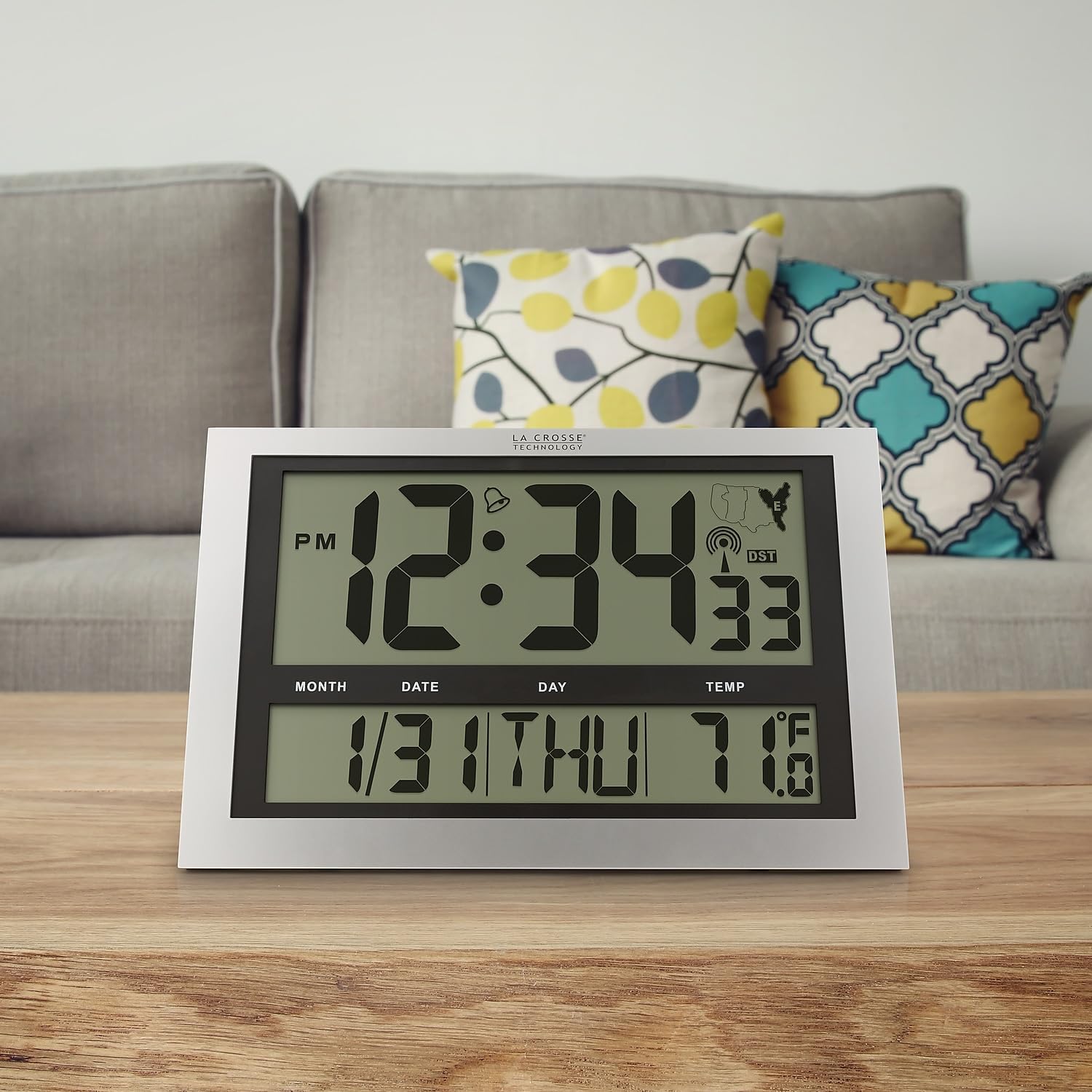
Image: La Crosse Technology Atomic Wall/Table Clock (Model 513-1211) standing on a wooden table, showcasing its use as a tabletop clock.
- 벽면 장착: Collapse the foldout legs. Use the integrated hanging hole on the back of the clock to mount it securely on a wall using a screw (not included).
작동 지침
1. 시간 및 날짜 표시
The large LCD display shows the current time, date, and day of the week.
- Time Digits: The main time digits are approximately 4.25 inches tall for easy readability.
- 12/24시간 형식: 를 누르세요 세트 button briefly to toggle between 12-hour (AM/PM) and 24-hour (military) time formats.
- 영구 달력: The clock automatically displays the month, date, and weekday (English only).
2. 온도 표시
The clock monitors and displays the indoor temperature.
- 화씨/섭씨: 를 누르고 계세요 ° C / ° F button for 3 seconds to switch between Fahrenheit (°F) and Celsius (°C) temperature units.
- 온도 범위: 실내 온도 범위는 -10°C에서 50°C(14°F~122°F)입니다.
3. 알람 기능
The clock includes an alarm with a snooze feature.
- 알람을 설정하다: 눌러서 놓으세요 세트 button to switch from TIME MODE to ALARM MODE. In ALARM MODE, press and hold 세트 to adjust the alarm time using the WAVE/+ 그리고 DST/- 버튼. 누르다 세트 확인합니다.
- 알람 활성화/비활성화: In ALARM MODE, press the WAVE/+ button to turn the alarm ON or OFF. An alarm icon will appear on the display when activated.
- 다시 알림 : 알람이 울리면 버튼을 누르세요. 선잠 버튼을 눌러 알람을 5분 동안 음소거합니다.
4. 일광 절약 시간제(DST)
시계는 일광 절약 시간에 맞춰 자동으로 조정됩니다.
- DST On/Off: 를 누르세요 DST/- button to enable or disable the automatic DST adjustment. The DST indicator will show on the display when enabled.
5. Manual Signal Search
You can initiate a manual search for the atomic time signal.
- WAVE Button: 를 누르고 계세요 WAVE/+ button to start a manual signal search. The signal strength icon will flash during the search.
유지
1. 배터리 교체
When the low battery indicator appears on the display, replace all 3 AA alkaline batteries promptly to ensure continuous operation and accurate timekeeping. Refer to the "Battery Installation" section for detailed steps.
2. 청소
To clean your clock, use a soft, damp 천을 사용하십시오. 연마성 세척제나 화학 약품은 디스플레이나 케이스를 손상시킬 수 있으므로 사용하지 마십시오.asing.
문제 해결
| 문제 | 해결책 |
|---|---|
| 디스플레이가 없거나 어둡습니다 | Check battery polarity. Replace with fresh AA alkaline batteries. |
| 시계가 원자 신호를 수신하지 못하고 있습니다. | Ensure correct time zone is selected. Place the clock near a window, away from electronic interference. Initiate a manual signal search using the WAVE button. Allow up to 24 hours for signal acquisition. |
| 잘못된 시간 또는 날짜 | Verify time zone setting. Perform a manual signal search. If issues persist, manually set the time and date. |
| 온도 측정값이 정확하지 않은 것 같습니다. | Ensure the clock is not exposed to direct sunlight or heat sources, which can affect temperature readings. |
명세서
| 특징 | 세부 사항 |
|---|---|
| 모델 번호 | 513-1211 |
| 치수(폭 x 높이 x 깊이) | 가로 16.75인치 x 세로 10.75인치 x 두께 1.38인치 (대략적인 크기) |
| 시간 표시 | Digital, 12/24 Hour selectable |
| 시간대 | PST, MST, CST, EST |
| 온도 범위 | 화씨 14도 ~ 화씨 122도(섭씨 -10도 ~ 50도) |
| 온도 단위 | Fahrenheit (°F) / Celsius (°C) selectable |
| 전원 | AA 알카라인 배터리 3개(포함되지 않음) |
| 재료 | 플라스틱 |
| 장착 옵션 | 벽면 장착 또는 탁상형 |

Image: Display dimensions of the clock, showing the 4.25-inch height of the main time digits and 1.88-inch height of other display segments.
보증
This La Crosse Technology product is backed by a 1년 제한적 제조사 보증 from the date of purchase. This warranty covers manufacturing defects in materials and workmanship. It does not cover damage caused by misuse, accident, unauthorized modifications, or improper installation. For warranty claims, please retain your proof of purchase and contact La Crosse Technology customer support.
지원하다
For additional assistance, troubleshooting tips, or to contact customer support, please visit the official La Crosse Technology web자세한 내용은 해당 사이트를 참조하거나 제품 포장과 함께 제공된 연락처 정보를 참조하세요.
You can also visit the La Crosse Technology store on Amazon for more products and information: 라크로스 테크놀로지 스토어